




Autodesk Factory Design Utilities: 2D and 3D Factory Layout Software
Autodesk® Factory Design Utilities™ is factory layout software that combines building and equipment data in AutoCAD and Inventor. It's included in the Product Design & Manufacturing Collection.
- Design factory and plant layouts in 2D (AutoCAD) and 3D (Inventor)
- Plan and validate layouts early, with clash detection between buildings and equipment
- Plan the installation and commissioning of equipment
Have Questions?
Request Info
What Is Factory Design Utilities?
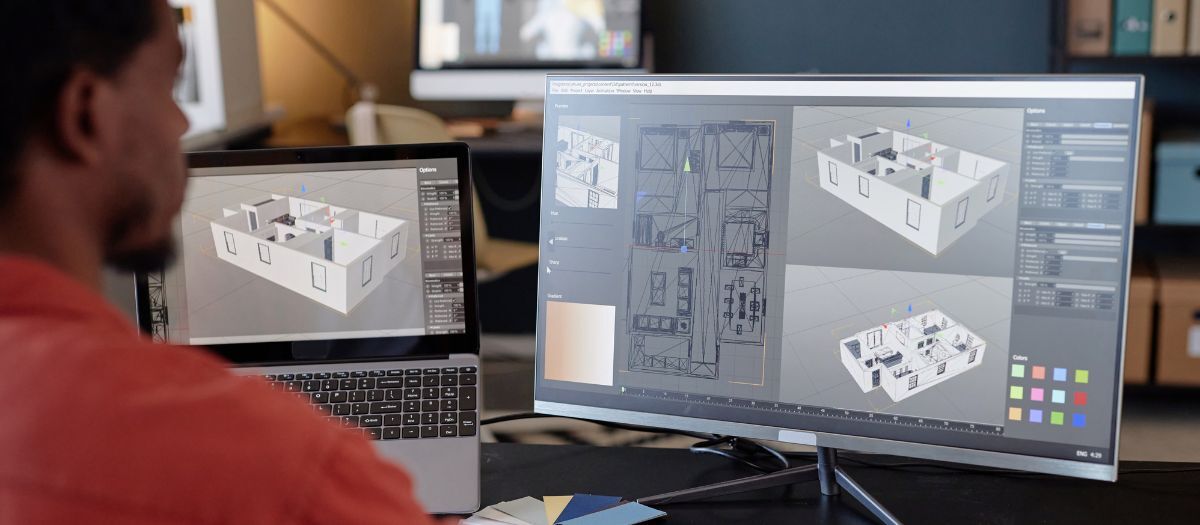
Factory Design Utilities (FDU) is an Autodesk add-on for AutoCAD and Inventor used to design production facility layouts. You lay out equipment in 2D in AutoCAD or in 3D in Inventor, and FDU keeps the two in sync in both directions. It adds a Factory ribbon to Inventor, AutoCAD, Navisworks, and FlexSim.
Manufacturers use it to plan factory layouts, check for conflicts between equipment and the building, and plan equipment installation.
Features
- 2D and 3D layout design: create and edit layouts in AutoCAD (2D) and Inventor (3D)
- 2D–3D synchronization: AutoCAD drawings and Inventor assemblies stay in step, in either direction
- 3D models from DWG: build a 3D factory model from a 2D layout
- Factory asset libraries: reusable equipment assets with attached parameters
- Clash detection: find conflicts between the building and equipment early
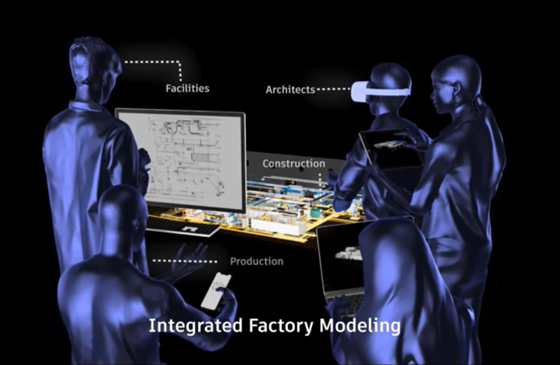
- 3D design review: review layouts in 3D with stakeholders
- Installation and commissioning planning: plan sequencing and layout constraints
Why Use Factory Design Utilities?
Find bottlenecks before you build
Evaluate production concepts and plan for current and future output.
Plan installation
Sequence and schedule equipment installation to reduce construction risk.
Work with equipment vendors
Share layouts with internal teams and outside equipment vendors.
Factory Design Utilities and FlexSim
FlexSim is Autodesk's 3D discrete event simulation software. FDU lays out the factory; FlexSim simulates how it runs, so you can test throughput and what-if scenarios before you build. The Factory ribbon appears in FlexSim, so the two work from the same layout.
How to Get Factory Design Utilities
-
Product Design & Manufacturing Collection: FDU is available only in the Collection, with Inventor, AutoCAD, Navisworks Manage, and more
Autodesk Factory Design Utilities Training
There's no dedicated FDU course. FDU runs inside Inventor, AutoCAD, and Navisworks, so these live courses apply:
Exceptional Training and Support
Hagerman Solutions Engineers prioritize customer success with every interaction. Hagerman Training classes are developed to give you the maximum value from your technology investment, and the Hagerman support desk delivers prompt, courteous assistance when you need help.
 Course Catalog
View and register for upcoming Autodesk software training classes. All courses are virtual and taught live by Autodesk Certified Hagerman Solutions Engineers. Any course that is listed can be scheduled by request, and additional customized training courses are also available.
 Hagerman Support Desk
Hagerman & Company Support provides critical technical assistance when you need help. Our certified Support Specialists act as an extension of your technical team and will help solve your issues quickly so you can get back to business.
Related Articles

The following modules will only show up on dynamic pages, NOT this listing page.

Why Choose Hagerman
Hagerman & Company has built our success not only on the quality of solutions that we offer, but also on the relationships we’ve built with our clients. To do this, we have adopted a comprehensive Customer Success strategy designed to drive increased long-term customer value, improve the customer experience, and ensure customer satisfaction. This philosophy is shared across our entire organization, including sales, marketing, service delivery, and back-office support.
As a solution provider, we offer the tools to make your company more efficient, productive, and most of all, profitable. We do this by offering best-in-class software paired with professional services delivered by an exceptional team of industry consultants, solutions engineers, and support staff.

Software to Tackle Your Most Ambitious Projects
Whether you need to shorten your design cycle, improve workflows, increase productivity or bring your product to market faster - Hagerman & Company offers world class software to get the job done.
Let us know how we can help.